What Does a Virtual Receptionist Do? Daily Tasks & Real Workflow Examples 

Virtual receptionist handling calls and appointments

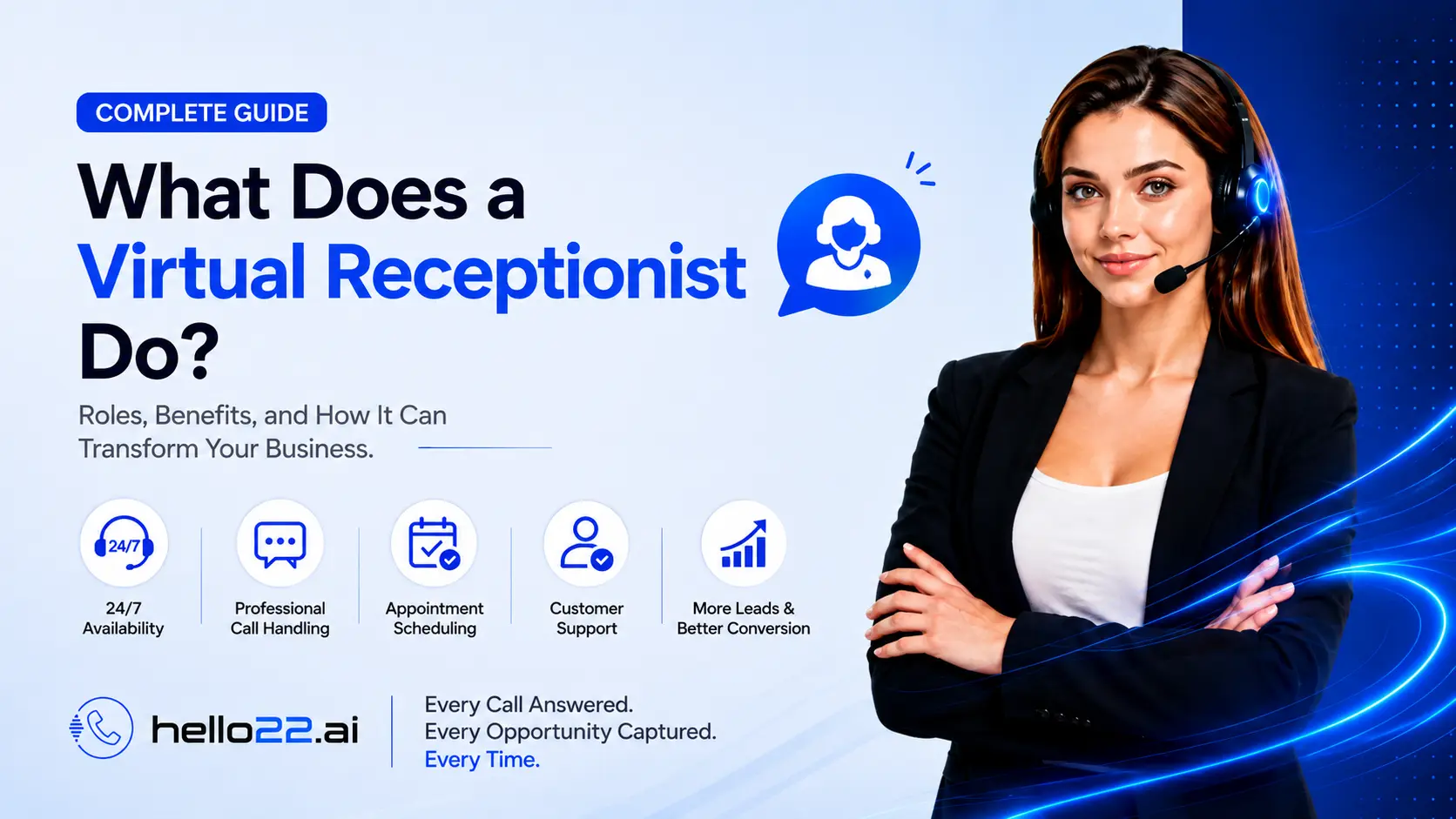
A virtual receptionist answers calls, takes messages, captures lead information, books and manages appointments, answers routine questions, routes urgent calls to the right person, and covers after-hours volume, essentially every day-to-day task a front-desk staffer handles, just done remotely and often around the clock.

Monday morning at a busy veterinary clinic looks like this: a call about a sick cat that needs to be seen today, another asking whether the clinic takes a specific pet insurance plan, a third confirming tomorrow’s appointment, and a fourth from someone who just wants to know the clinic’s hours. Four completely different tasks, back-to-back, all landing on whoever picks up the phone, and a virtual receptionist is built to handle all four without missing a beat.

This guide walks through each of these tasks individually, with realistic examples of what they actually look like on a call, rather than just listing them as a features summary.

📌 Key Takeaways: What a Virtual Receptionist Actually Does

  • Core tasks include answering calls, taking messages, capturing lead details, booking appointments, answering FAQs, routing urgent calls, updating customer records, and covering after-hours volume.
  • A single call often involves several of these tasks at once, answering a question and booking an appointment in the same conversation, for example.
  • What information gets captured (name, reason for call, urgency) is typically configured by the business, not fixed or generic.
  • After-hours handling isn’t a separate feature bolted on; it’s the same tasks, just running at times a live front desk normally can’t cover.
  • A good virtual receptionist knows the boundaries of its own scope and hands off cleanly when a call needs something beyond routine handling.

Answering Calls: The First Job

Every other task depends on this one happening reliably. A virtual receptionist answers using your business’s name and an approved greeting, then listens to figure out why the person is calling: a new inquiry, an existing customer following up, or something urgent. This sounds simple, but it’s also where most of the value shows up: a call that would otherwise go to voicemail gets a real response instead.

Taking Messages Done Properly

Not every call resolves on the spot. When a message is the right outcome, a good virtual receptionist captures more than just “someone called”; it records the caller’s name, contact details, the reason for the call, and any urgency, then delivers that to the business through a chosen channel (email, SMS, or a tool like WhatsApp) rather than leaving it buried in a voicemail inbox nobody checks promptly.

Example: A caller wants to know if a specific service is offered but isn’t ready to book. The virtual receptionist answers what it can from the business’s information, notes the specific question, and flags it for a callback if a definitive answer requires a specialist. Read – How Does a Virtual Receptionist Work?

Capturing Lead Information

For a new inquiry, a virtual receptionist’s job shifts from “answer the question” to “capture the opportunity.” That typically means collecting the caller’s name, contact information, what they’re interested in, and any relevant details (budget, timeline, specific requirements) the same information a good in-house receptionist would gather, delivered to the business in a structured format rather than a scribbled note.

Example: A real estate agency gets a call from someone interested in a listing. The virtual receptionist captures their name, number, which property they’re asking about, and whether they’re pre-approved for financing, then logs it directly against that lead’s record.

Booking and Managing Appointments

This is often the single highest-value task for service-based businesses. A virtual receptionist checks real, current availability in a connected calendar, offers the caller a slot, confirms the booking, and, depending on the setup, can also handle rescheduling and cancellations.

Example: A dental patient calls to move a Thursday cleaning to the following Monday. The virtual receptionist checks the new date’s availability, confirms the swap, updates the calendar, and sends a confirmation, all inside the same call. Read – How Much Does a Virtual Receptionist Cost

Answering Routine Questions (FAQs)

A large share of daily call volume for most businesses is genuinely repetitive: hours, location, pricing, whether a specific service is offered. A virtual receptionist trained on accurate, current business information handles these instantly, freeing staff from repeating the same answers dozens of times a week.

Example: A caller asks whether a salon takes walk-ins on Saturdays. The virtual receptionist answers directly from the business’s configured hours and policies; no transfer needed.

Call Routing and Transfers

Not every call should be handled from start to finish by the virtual receptionist. Part of the job is recognizing which calls need a specific person or department and routing them there or, for genuinely urgent situations, transferring immediately with context already attached.

Example: A plumbing company gets a call about a burst pipe. The virtual receptionist recognizes the urgency, skips the standard booking flow, and connects the caller directly to on-call staff.

Managing Customer Information

Beyond the call itself, a virtual receptionist typically updates whatever system tracks customer information — a connected CRM, a shared spreadsheet, or a booking platform — so the details captured on the call don’t just sit in a call log nobody reviews. This includes logging new leads, updating existing customer records, and attaching notes about what was discussed. Read – How to Choose a Virtual Receptionist Service

After-Hours and Weekend Handling

After-hours coverage isn’t a separate skill set; it’s the same tasks above, running at times a business normally can’t staff. A call at 9 p.m. gets the same greeting, the same question-answering, and the same booking capability as one at 2 p.m., which is often the single biggest practical difference a virtual receptionist makes for businesses that get meaningful after-hours volume.

A Day in the Life: Practical Workflow Examples

To see these tasks working together rather than in isolation, here’s a composite of what a single business day might actually involve:

  • 7:40 a.m. A contractor’s business line rings before the office officially opens. The virtual receptionist answers, takes down a quote request, and logs it as the first item for the day.
  • 11:15 a.m. A returning customer calls to reschedule an appointment. The virtual receptionist checks the new date, confirms it, and updates the calendar, with no hold time and no transfer.
  • 1:30 p.m. A new caller asks a pricing question that the receptionist can answer directly from the business’s configured information, then offers to book a consultation on the spot.
  • 6:50 p.m., after the office has closed, a caller with an urgent issue is labeled as high-priority and transferred to an on-call staff member, with the relevant context already relayed.
  • 10:20 p.m. A caller just wants to confirm the business’s hours for tomorrow. The virtual receptionist answers in seconds, and the call ends there.

Five calls, five different tasks, spread across nearly fifteen hours, all handled the same way a well-staffed front desk would, if one existed around the clock. Read – Virtual Receptionist Pricing Guide

Tasks a virtual receptionist typically does not handle

What a Virtual Receptionist Typically Doesn’t Do

Being clear about scope matters as much as listing the tasks. A virtual receptionist generally does not:

  • Greet in-person, walk-in visitors at a physical location
  • Make complex judgment calls on matters requiring specialized professional expertise (legal advice, medical diagnosis)
  • Process payments in every setup, though some providers support this as an add-on
  • Handle highly emotional or sensitive situations as well as a trained human would, which is why clean escalation matters

Some virtual receptionists, particularly AI-based ones, can also make outbound calls for appointment reminders, follow-ups, or rebooking campaigns, though this is a less universal feature than inbound answering and is worth confirming whether it matters to your business. Read – How Do AI Receptionists Work

Where Hello22 AI Fits

Hello22 AI handles this full task list: answering calls in your business’s name, capturing lead and customer details, checking real calendar availability to book and reschedule appointments, answering FAQs from your configured business information, routing urgent calls to your team, and covering every hour outside your normal front-desk coverage. Call summaries land in your inbox (or WhatsApp, or SMS) after every call, so nothing sits unreviewed. You can see the full task list in action against your own real calls during the 7-day free trial, credit card required.

Final Thoughts

“Answers calls and books appointments” undersells what a virtual receptionist actually does day to day. The real value shows up across a whole list of smaller tasks working together: capturing a lead properly, answering a routine question instantly, routing an urgent call correctly, and doing all of it as reliably at 10 p.m. as at 10 a.m. 

None of these tasks are individually complicated, but doing all of them consistently, on every call, is exactly what separates a virtual receptionist from a system that just takes messages. If you’re now evaluating whether a specific service handles this task list well, “What Is a Good Virtual Receptionist?” and “How to Choose a Virtual Receptionist Service” earlier in this cluster cover exactly that.

❓ Frequently Asked Questions About Virtual Receptionist Tasks

Does a virtual receptionist just take messages, or does it actually resolve calls?

A good one resolves calls wherever possible, answering questions directly, booking appointments in real time, and only falling back to message-taking when the caller’s need genuinely requires a callback or a human.

Can a virtual receptionist handle more than one type of task in a single call?

Yes, and it’s common for a single call to involve answering a question, capturing lead details, and booking an appointment all in one conversation, the same way a skilled in-house receptionist would handle it.

Does a virtual receptionist work differently across industries?

The core tasks stay the same, but what’s configured — the FAQs it can answer, the booking rules, and what counts as urgent — is typically customized per business, so a dental practice and a law firm can use the same underlying capabilities very differently in practice.

What information does a virtual receptionist typically collect from a new caller?

Commonly, the caller’s name and contact details, the reason for the call, and any urgency or specific requirements are configured by the business based on what’s actually useful to follow up on.

Does a virtual receptionist make outbound calls too, or only answer inbound ones?

Some do, particularly AI-based ones, for tasks like appointment reminders or follow-up calls, but this is a less universal feature than inbound answering, so it’s worth confirming directly if outbound calling matters to your business.

Can a virtual receptionist reschedule or cancel an appointment, not just book new ones?

When properly configured, yes. Most virtual receptionists that handle booking can also manage rescheduling and cancellations directly against the connected calendar.

What happens if a caller asks something a virtual receptionist genuinely can’t answer?

A well-built one says so honestly rather than guessing, and either takes a message or escalates to a real staff member, depending on how the business has configured its escalation rules.

Picture of Hello22 AI
Hello22 AI
Hello22 AI is an AI technology company focused on intelligent voice solutions for modern businesses. Its AI receptionist helps companies answer calls 24/7, capture leads, book appointments, handle customer enquiries, and automate follow-ups, enabling businesses to improve customer service, save time, and never miss valuable opportunities.

Recent Posts

Need Help Choosing the Right AI Solution?